
This post contains affiliate links. If you make a purchase through these links, I may earn a commission at no extra cost to you.
With WordPress.com now supporting plugins and themes on all paid plans, website owners finally have the flexibility to build powerful, feature-rich websites without upgrading to expensive tiers.
This update has completely changed what’s possible on WordPress.com.
But here’s the challenge: With over 50,000 plugins available, which ones should you actually install?
Choosing the right plugins can:
- Improve your SEO rankings
- Boost your website speed
- Strengthen your security
- Increase conversions
Choosing the wrong ones can slow your site down or even create conflicts.
In this guide, you’ll discover the best plugins for WordPress.com websites in 2026 and beyond, carefully selected to help you build a fast, secure, and high-performing website.
What to Look for in a Good Plugin for your WordPress.com Website
Before installing any plugin, it’s important to evaluate it properly.
Here’s what to check:
1. Ratings and Reviews
Always choose plugins with high ratings (4 stars and above) and active user feedback.
2. Regular Updates
A plugin that hasn’t been updated in 1-3 months can pose security risks.
3. Compatibility
Ensure the plugin is compatible with your WordPress version and theme.
4. Performance Impact
Avoid plugins that unnecessarily slow down your site.
Pro tip: Install only what you truly need—quality always beats quantity.
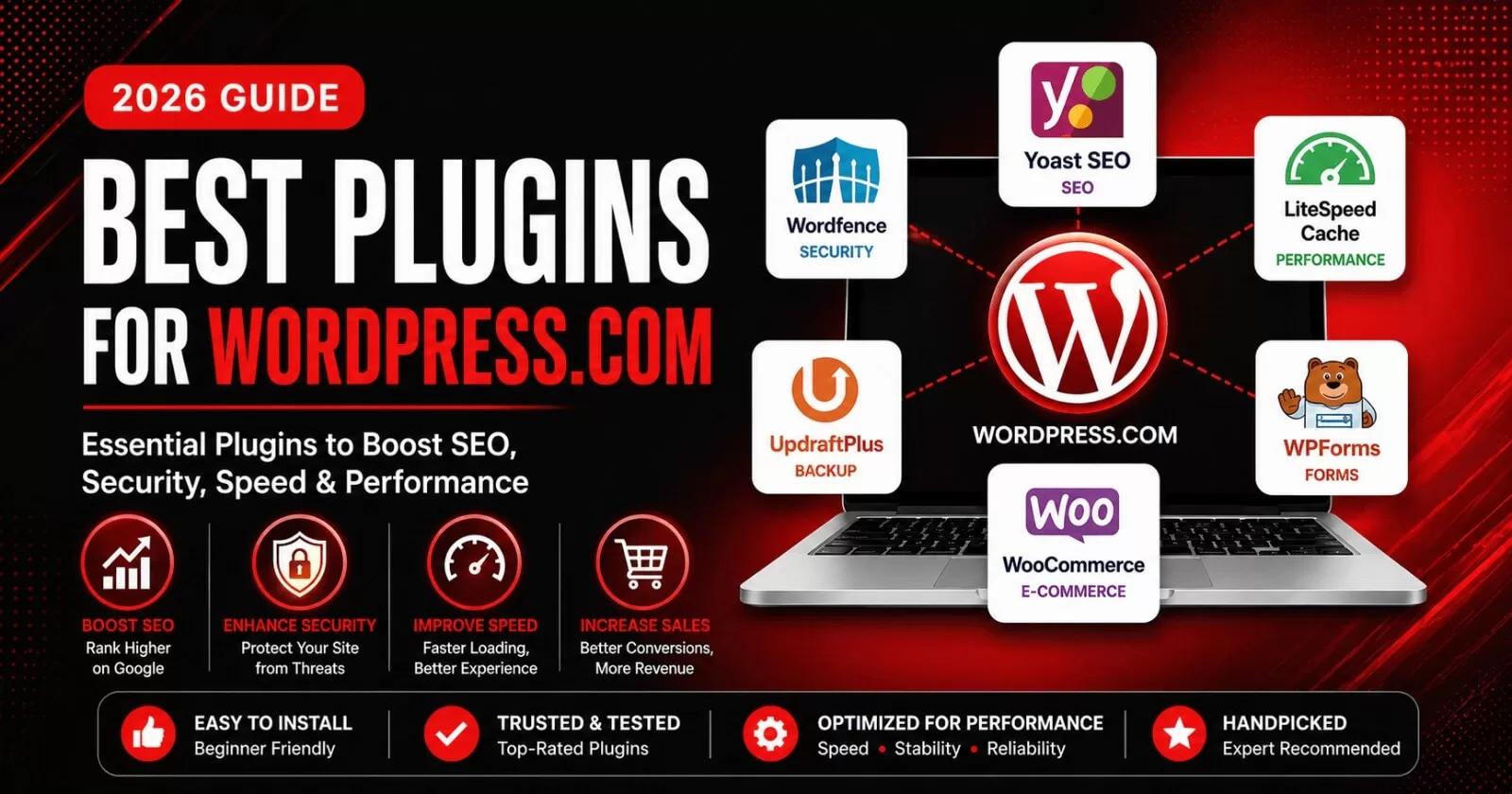
1. Best SEO Plugin: Yoast SEO Premium
Search engine optimization is essential if you want your website to rank on Google and other similar search engines like Microsoft, DuckDuckGo, etc.
While there are numerous SEO plugins in the WordPress.com marketplace, I usually recommend one, which is Yoast SEO Premium. This plugin is used by bloggers, corporate and e-commerce websites.
Yoast SEO Premium plugin takes care of all on-page and technical SEO issues on your website. Some of its premium features include page redirection, internal linking fixes, SEO titles and meta descriptions, focus keywords and more.
Key Features:
- Easy setup wizard
- Built-in schema markup
- Keyword optimization tools
- Content readability analysis
- SEO scoring system
- Meta tag optimization
- AI content assistant
- Integration with Google Search Console, Semrush, Google Site Kit, etc
Why It’s Great:
Yoast SEO Premium plugin combines advanced features with a user-friendly interface, making it ideal for both beginners and professionals.
- Rating: 4.5/5
- Pricing: Yoast SEO Premium starts at $118/year, while Yoast WooCommerce SEO starts at $178/year, respectively.
👉 Sign up for Yoast SEO Premium plugin for your WordPress.com website
👉 Sign up for Yoast WooCommerce SEO premium plugin for your online store.
2. Best Security Plugin: Wordfence
Security should never be overlooked, especially if you run a business website or a WooCommerce store.
Wordfence Security is my recommended security plugin for all WordPress.com and WooCommerce websites.
Key Features:
- Web Application Firewall protection
- Malware scanning
- 2FA Login security
- Real-time IP Blocklist
- Security Audit Log
Why It’s Great:
Wordfence Security plugin provides comprehensive protection against common threats.
- Rating: 4.7/5
- Pricing: Wordfence Premium plugin starts at $149/year.
3. Best Performance & Speed Plugin: LiteSpeed Cache
Website speed is a major ranking factor and directly impacts user experience. My recommendation for your WordPress.com website is the LiteSpeed Cache plugin.
LiteSpeed Cache for WordPress (LSCWP) is an all-in-one site acceleration plugin, featuring an exclusive server-level cache and a collection of optimization features.
LSCWP plugin supports all WordPress.com types of websites and is compatible with the most popular plugins, including WooCommerce, bbPress, and Yoast SEO.
Key Features:
- Advanced caching features, which include browser caching and WordPress REST API calls.
- Image optimization
- Database cleanup
- Free QUIC.cloud CDN Cache
Why It’s Great:
LiteSpeed Cache is a powerful free WordPress.com plugin for improving website performance.
- Rating: 4.8/5
- Pricing: LiteSpeed Cache is free. However, some of the premium online services are provided through QUIC cloud, such as image optimization, CDN features, etc.
4. Best Plugins for WooCommerce
If you plan to create an e-commerce website with WooCommerce on any WordPress.com plan, the right plugins can significantly boost your sales.
WooCommerce Payments
- Accept payments directly on your site
- Seamless integration
CartFlows
- Build high-converting sales funnels with Cartflows
- Optimize checkout processes
Stripe for WooCommerce
- Secure payment processing
- Supports global transactions
5. Best Marketing & Conversion Plugins
Driving traffic is important, but converting visitors into lifetime customers is what really matters.
WPForms
- Drag-and-drop form builder
- Collect payments with Stripe and PayPal on your forms
- Contact forms, surveys, and more
MailerLite for WordPress
- Email marketing integration
- Newsletter signup and lead capture forms
Sign up on MailerLite for WordPress and start using it on your WordPress.com websites.
Elementor One (Optional for Design + Conversion)
- Drag-and-drop page builder
- Landing page creation for service-based businesses and online stores
Sign up for Elementor One and start using it on any WordPress.com paid plan.
6. Best Utility Plugins You Should Consider
These plugins help improve functionality and user experience:
- TinyPNG → Image optimization
- Redirection → Manage 301 redirects
- Google Site Kit → Integrate Google Analytics and Search Console
How Many Plugins Should You Install on Your WordPress.com Website?
One of the biggest mistakes beginners make is installing too many plugins. This can cause your WordPress.com website to be slow and also can be prone to phishing and malware attacks especially if the plugin has not been updated for a long time.
Ideal Setup:
- 1 SEO plugin
- 1 security plugin
- 1 performance plugin
- 1 backup plugin
- 1 page builder plugin
- 1 data analytics plugin
- 1 email marketing and automation plugin
That’s enough for most websites.
Common Plugin Mistakes to Avoid
Avoid these costly errors:
- Installing duplicate plugins (e.g., two SEO plugins, two speed and performance plugins, etc)
- Using outdated plugins
- Ignoring plugin updates
- Installing plugins from untrusted sources
These mistakes can affect your website’s performance and security.
Pro Strategy: Build a Lean, High-Performance WordPress.com Website
Instead of installing many plugins, focus on:
- Multi-functional plugins (like Yoast SEO Premium, Code Snippets)
- Lightweight tools
- Clean, optimized themes, which shouldn’t be more than two.
This approach ensures:
- Faster load times
- Better SEO performance
- Improved user experience
Conclusion
Plugins are the backbone of any powerful WordPress website.
With WordPress.com now offering access to 50,000+ plugins across all paid plans, you have everything you need to build a professional, fast, secure, and scalable site or online store.
These plugins are considered the best for any WordPress.com website, including bloggers, small-to-medium-sized business websites and online stores.
The key is not installing more plugins, but choosing the right ones.
Start with the essentials, keep your site optimized, and grow strategically.
Need help selecting and setting up the best plugins for your WordPress.com website or WooCommerce store?
👉 Visit temydeedigital.com services page for expert WordPress setup, optimization, ongoing website management, support and much more.
Disclaimer: TemydeeDigital may be an affiliate for one or more products mentioned in this article. If you click a link and complete a purchase, we may earn a commission.